Hand-made templates
Slide libraries, think-cell, your firm's master deck.
- Partner-quality output
- Every change is manual
- One extra row breaks the layout
- The style drifts deck by deck
Try it yourself: change a number, add a row, and watch the slide update.
AI-powered PowerPoint add-in for consultants and managers
Build, customise and update professional presentations with intelligent templates and AI, directly in PowerPoint.
Your thinking. Your style. Enhanced by AI.
Where it sits
Slide libraries, think-cell, your firm's master deck.
Your thinking and your style, enhanced by AI.
Prompt-to-deck tools and chat assistants.
The template gallery
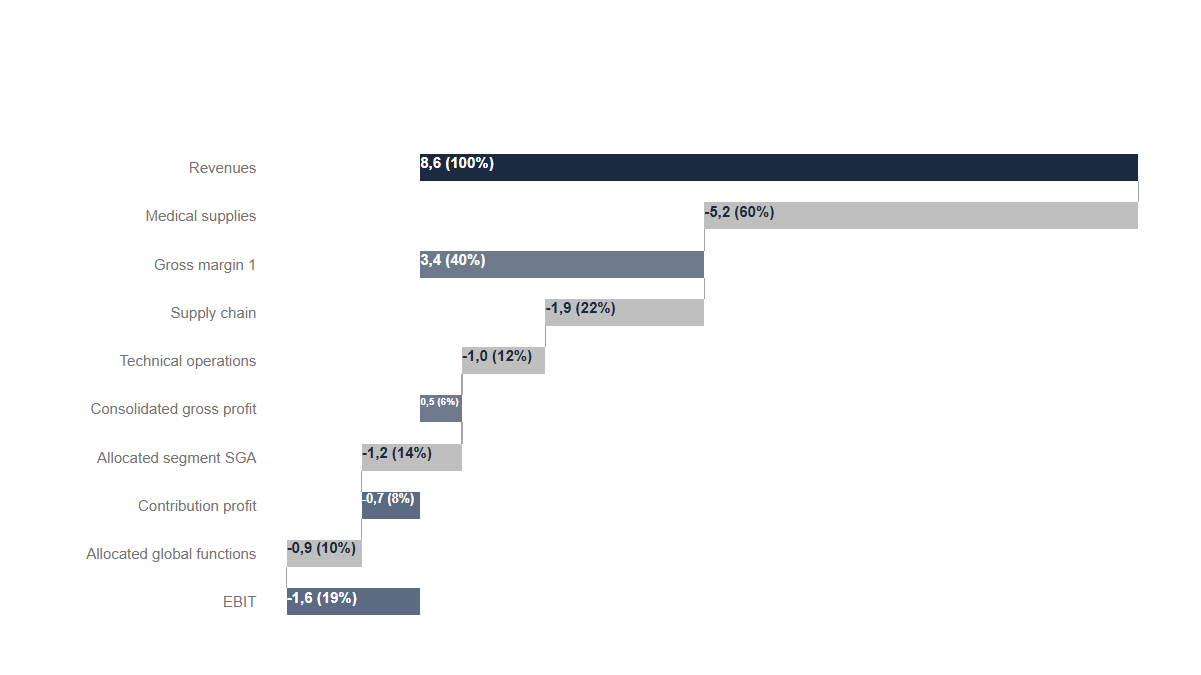
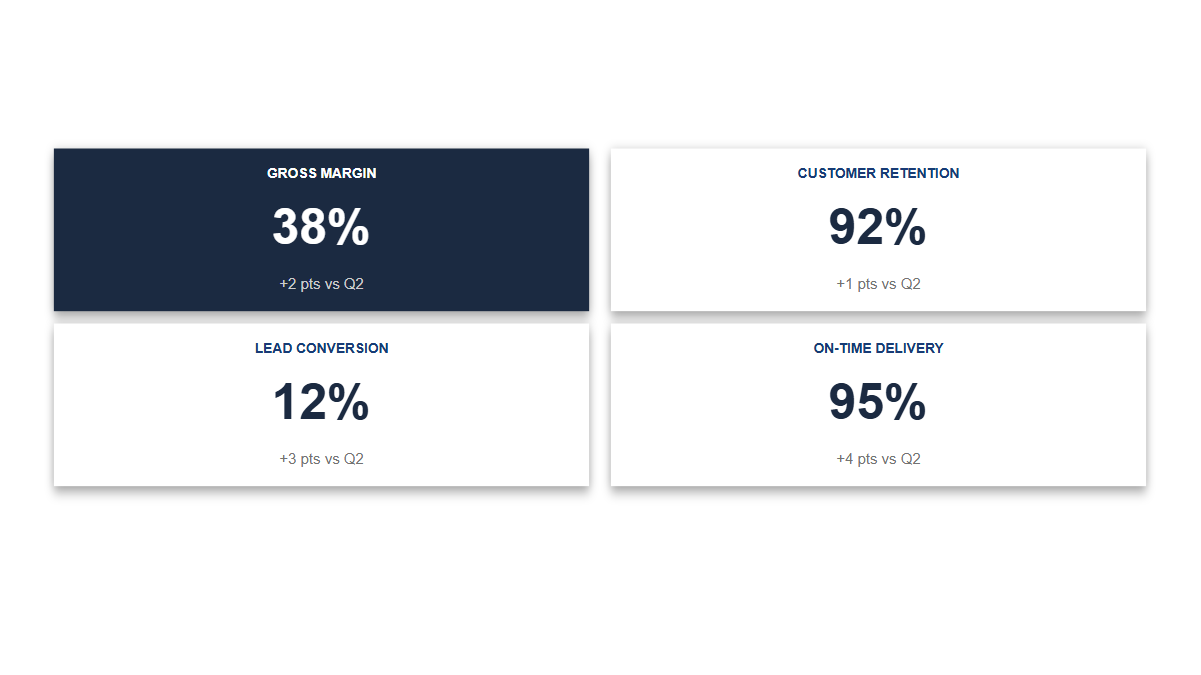
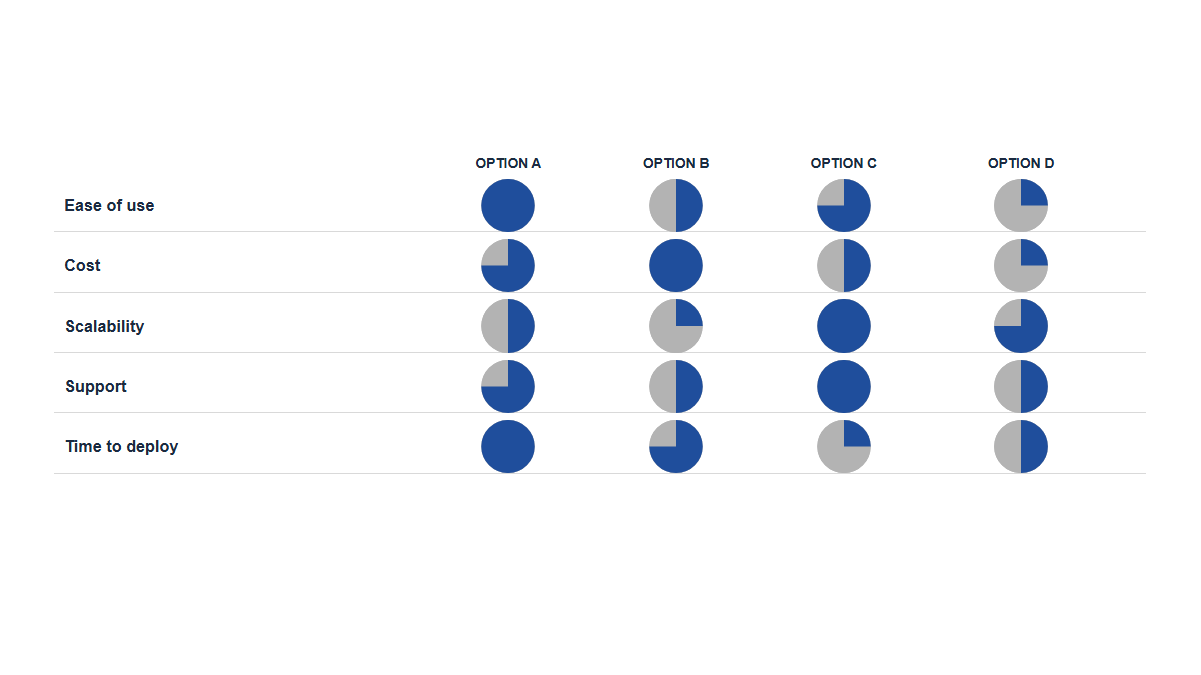
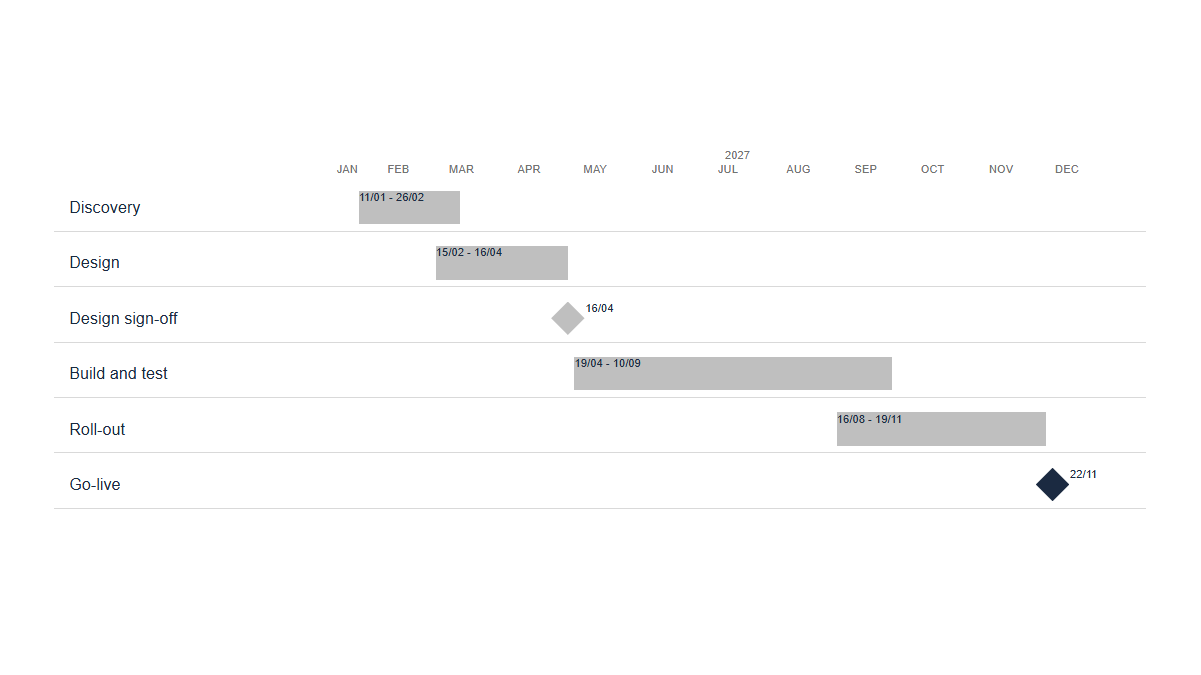
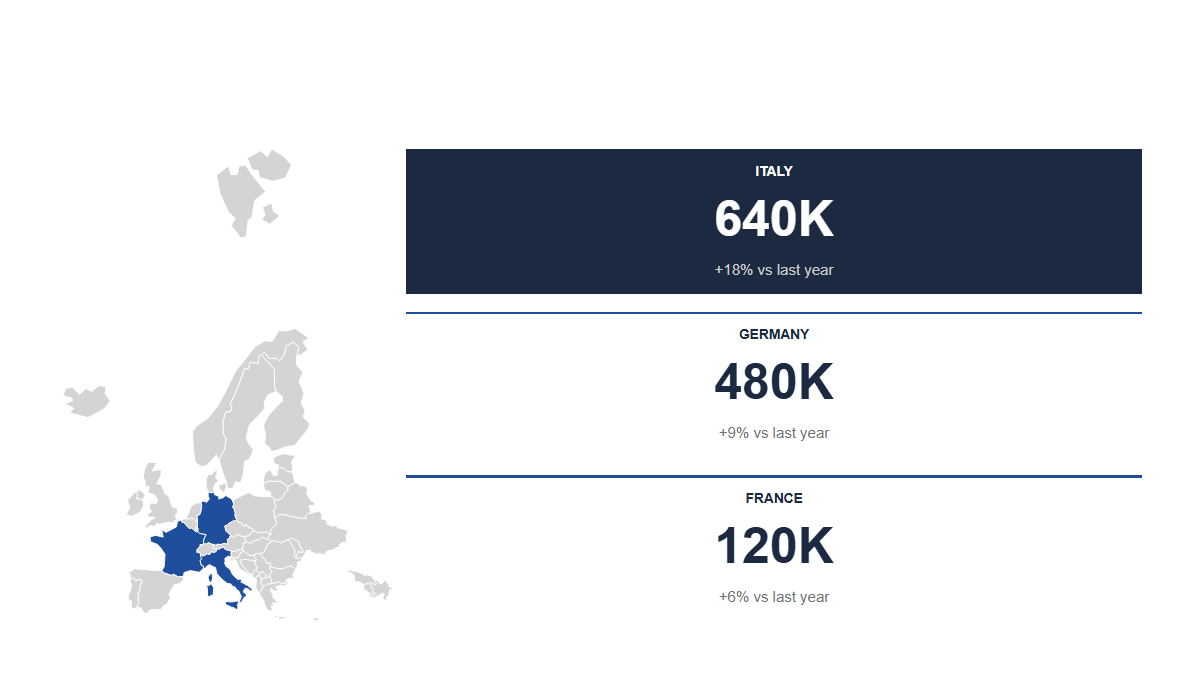
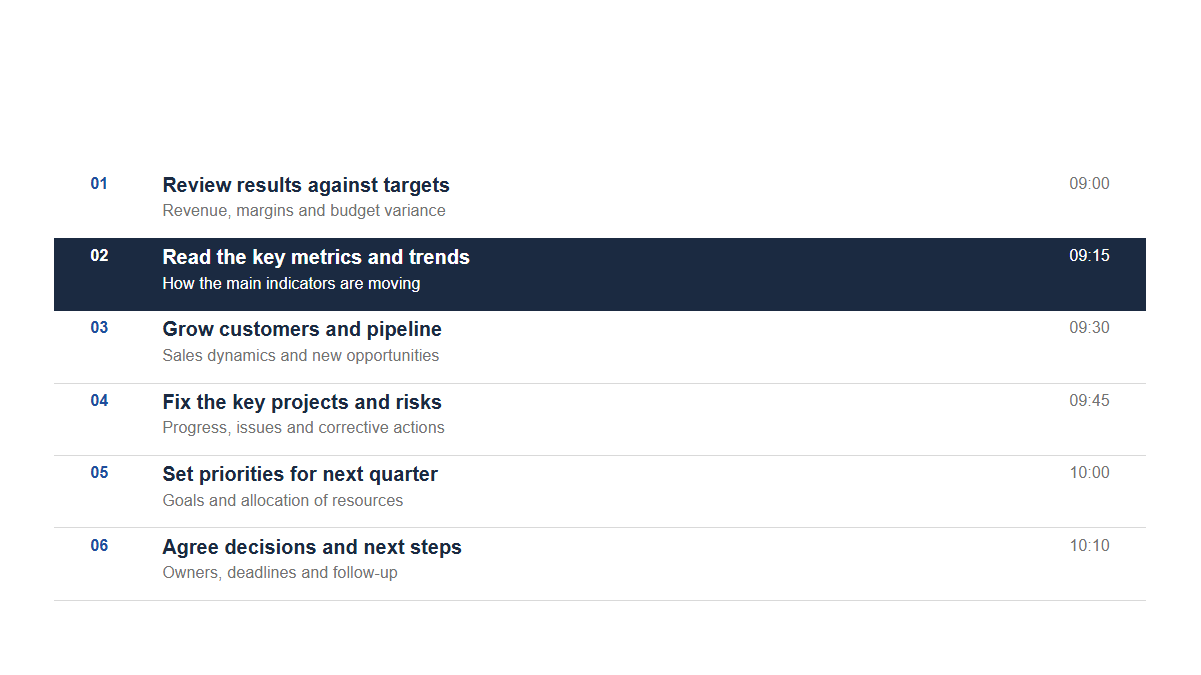
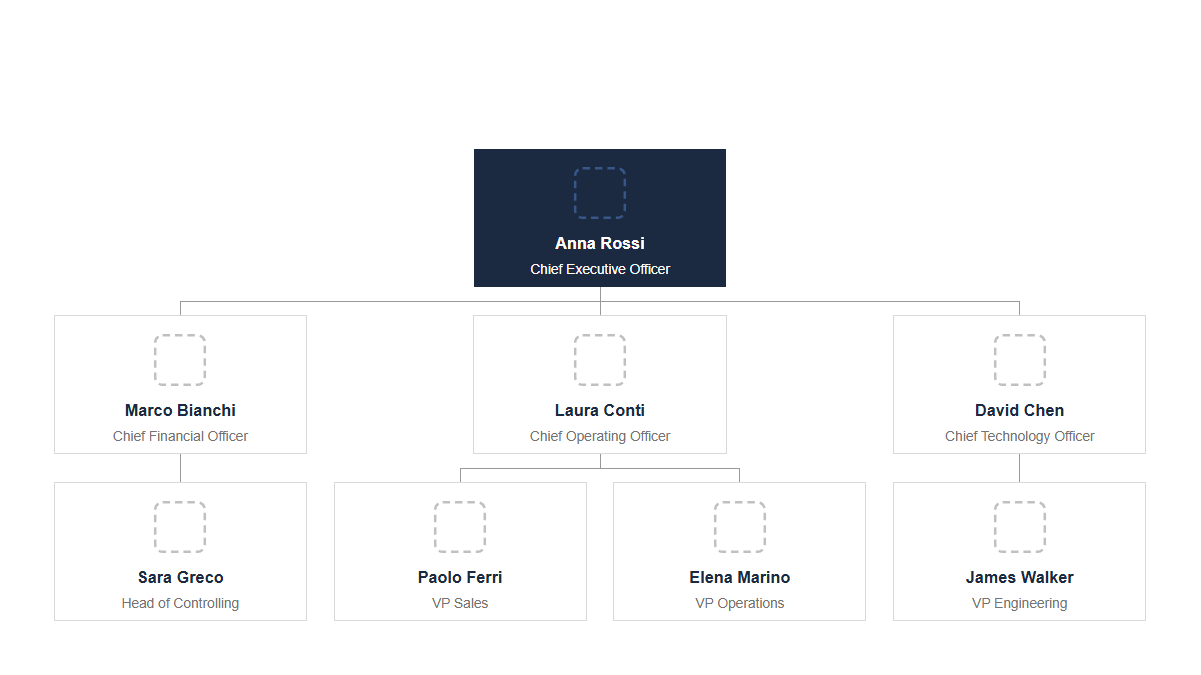
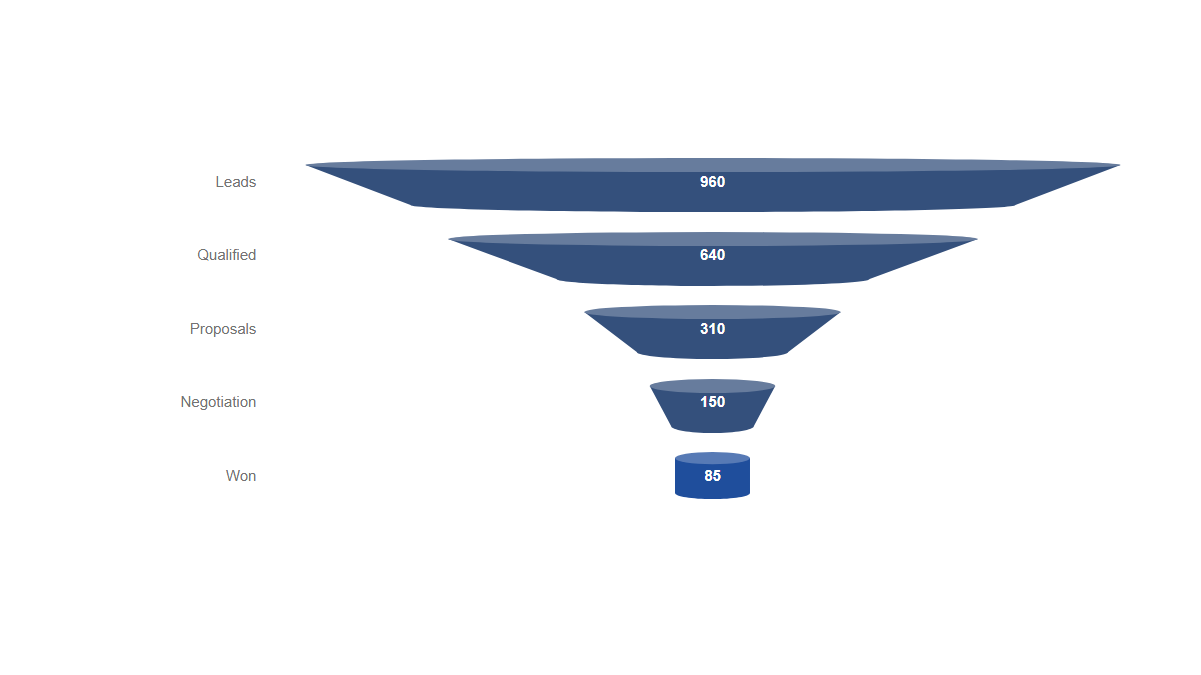
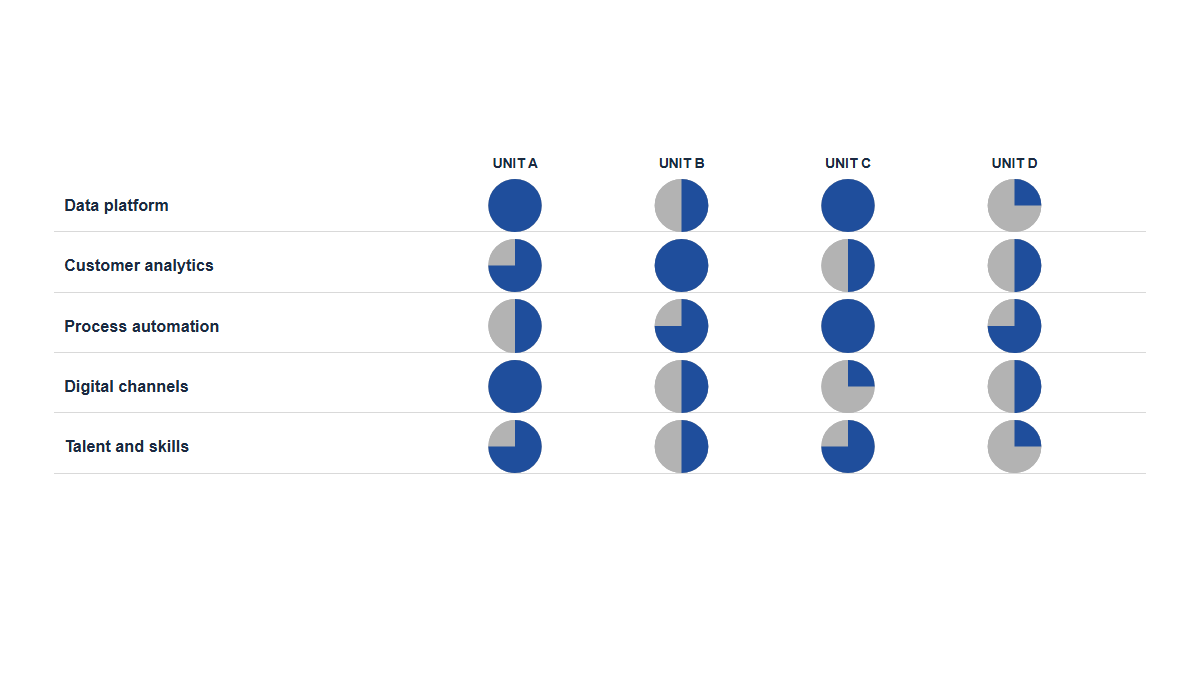
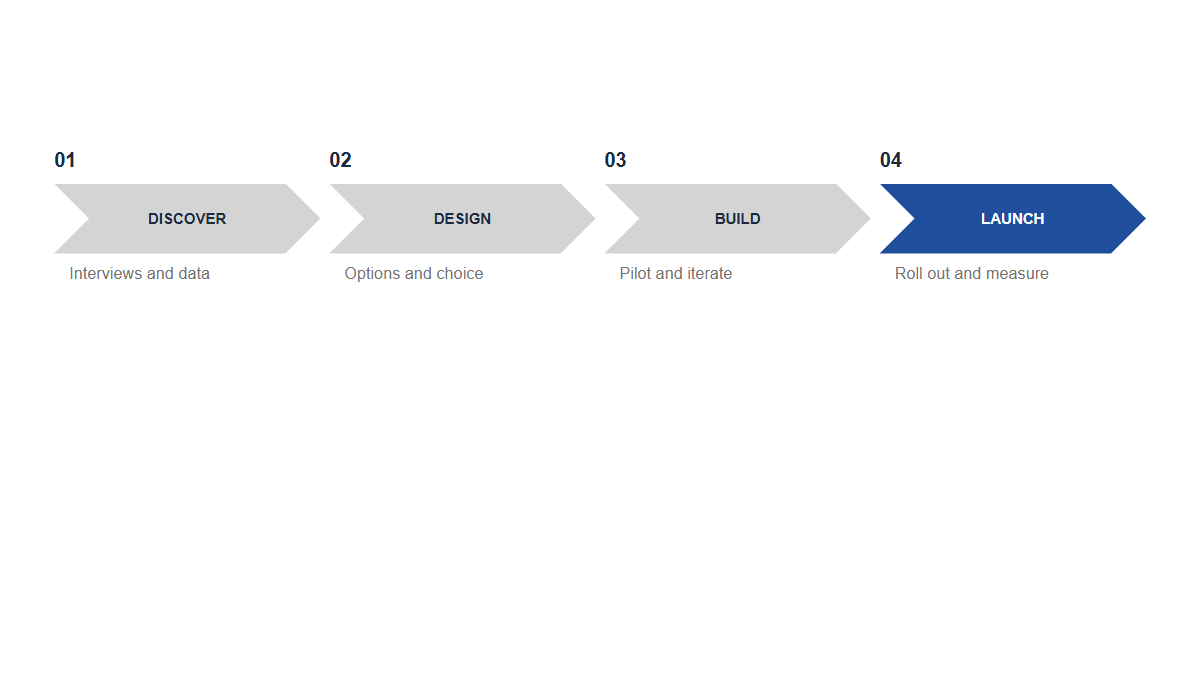
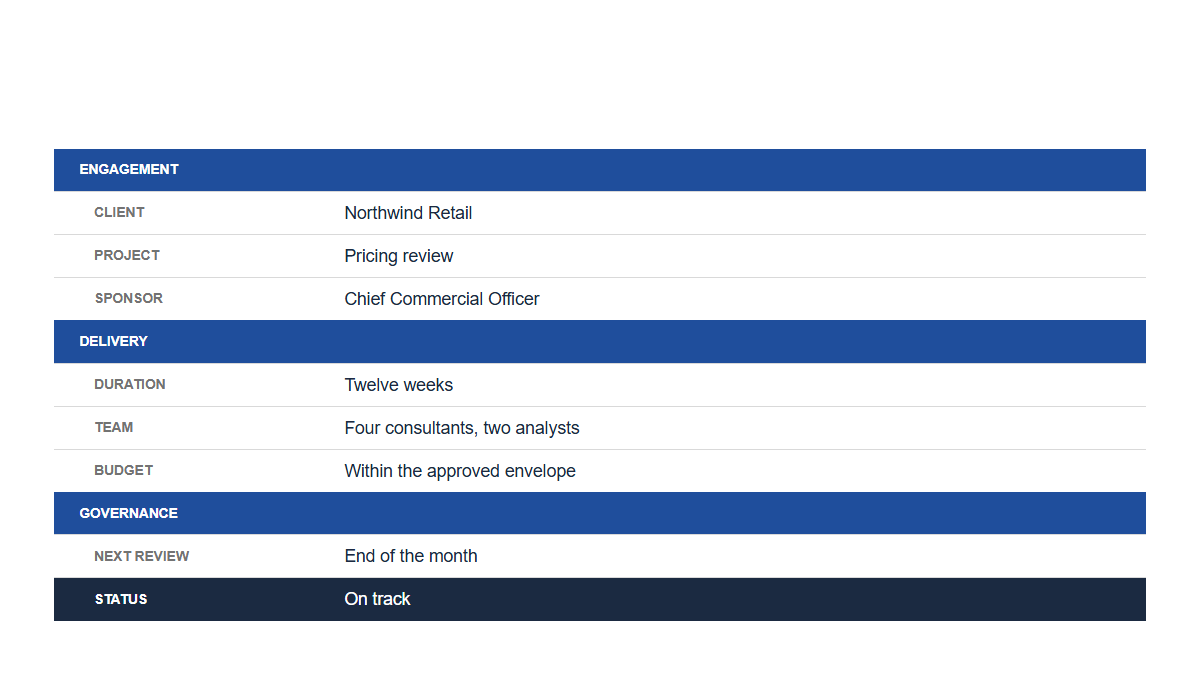
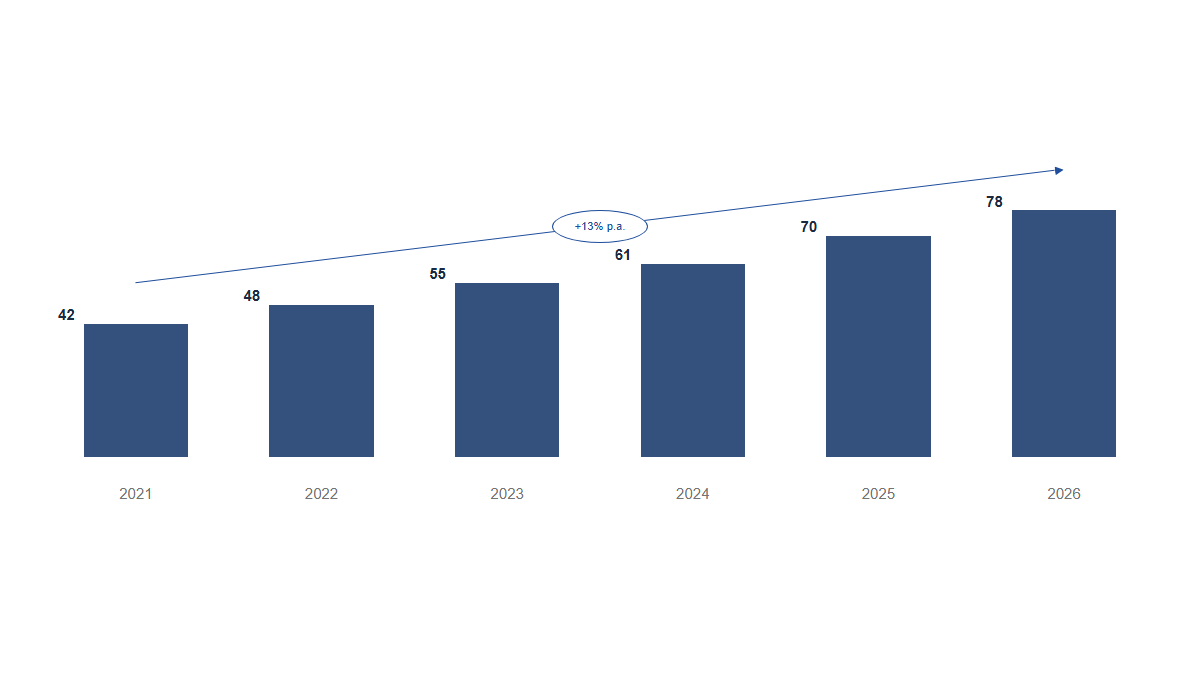
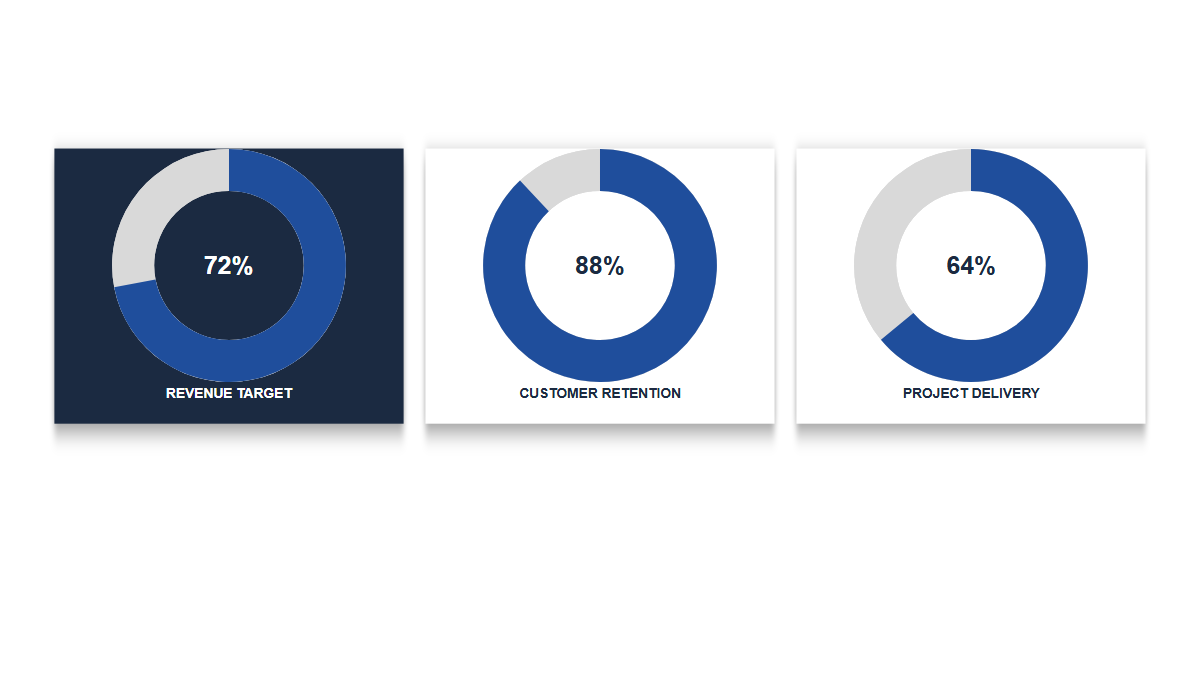
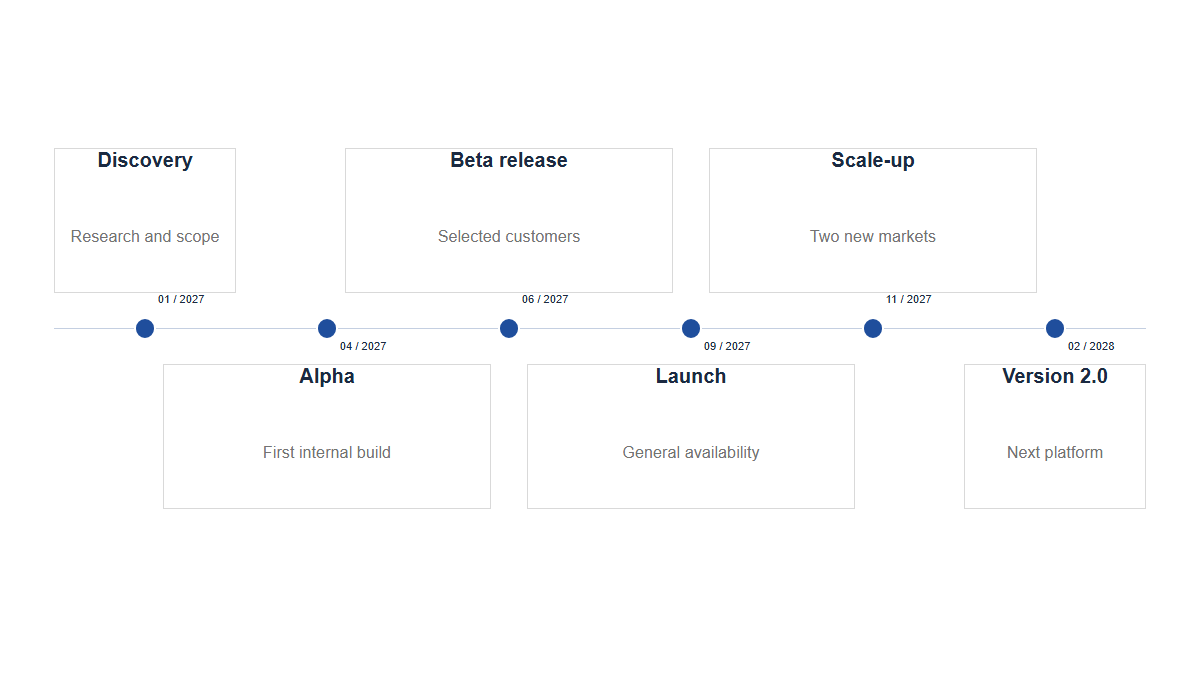
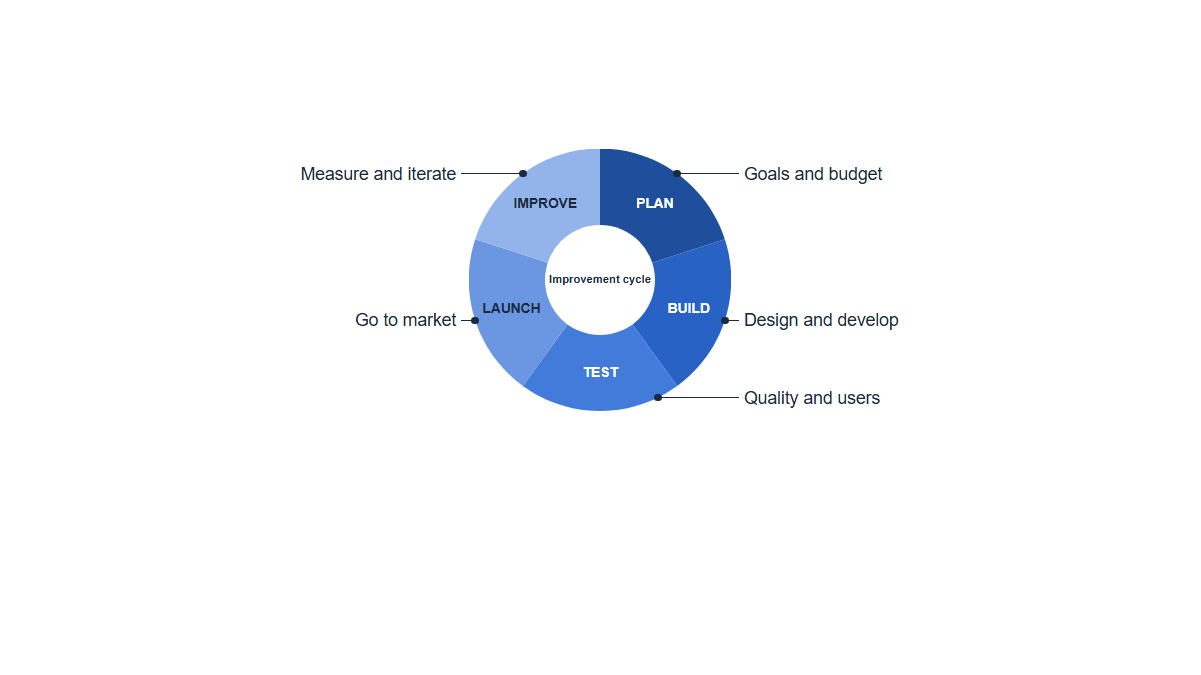
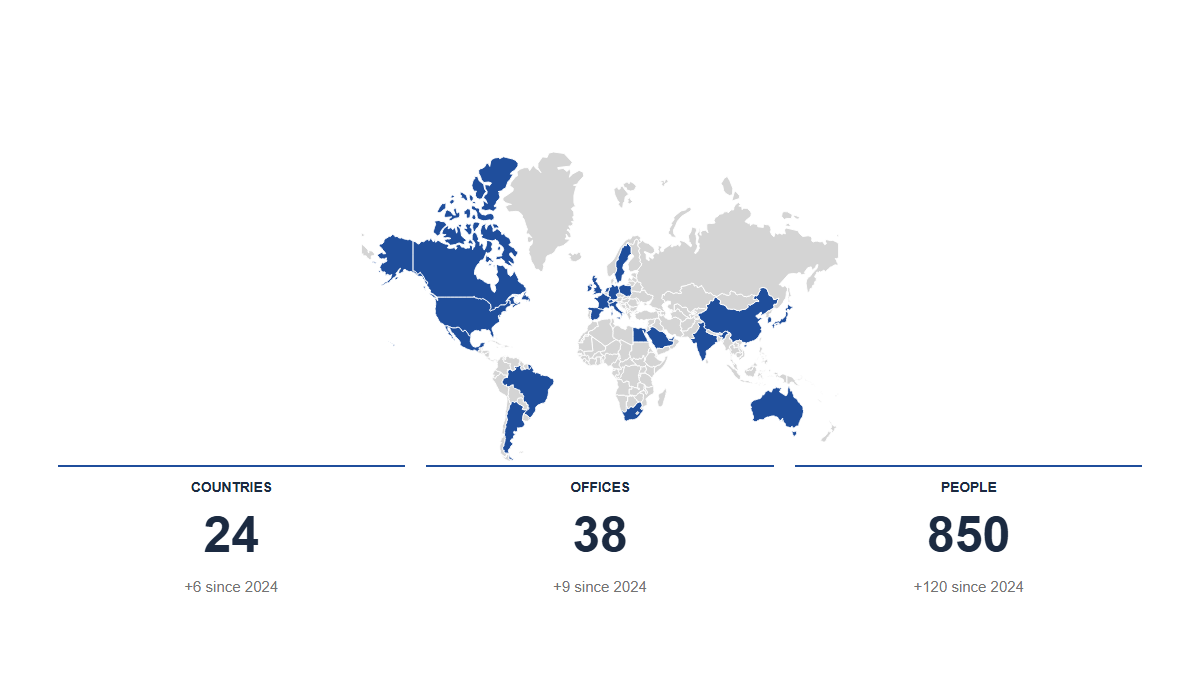
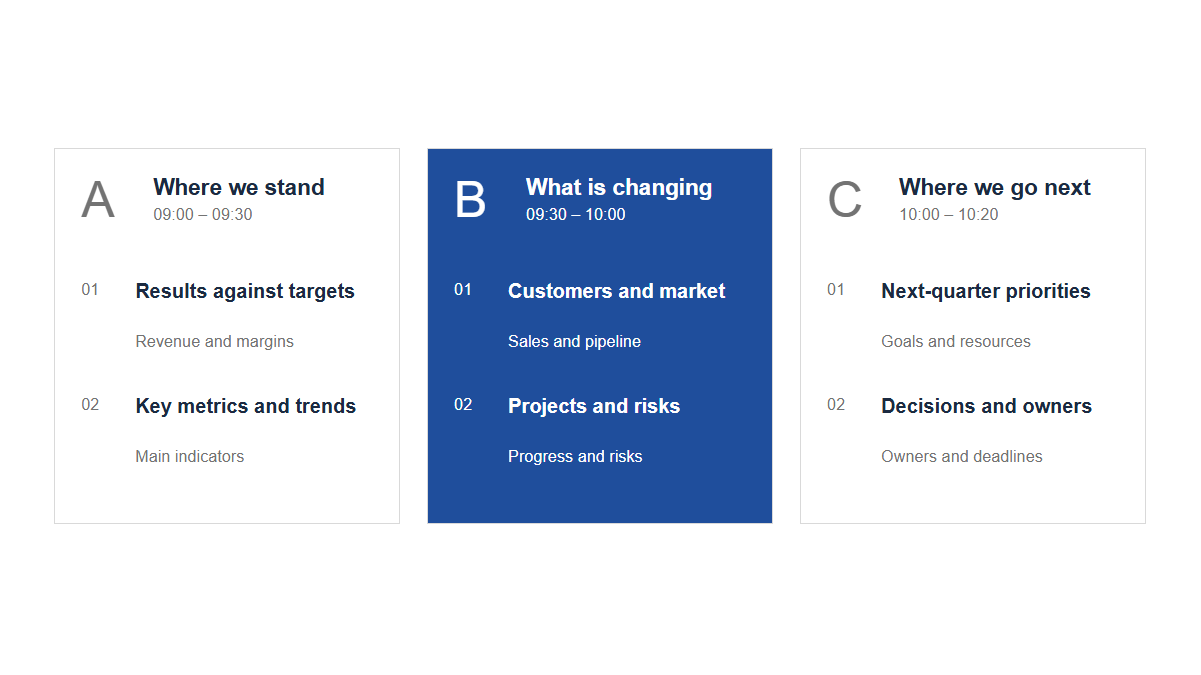
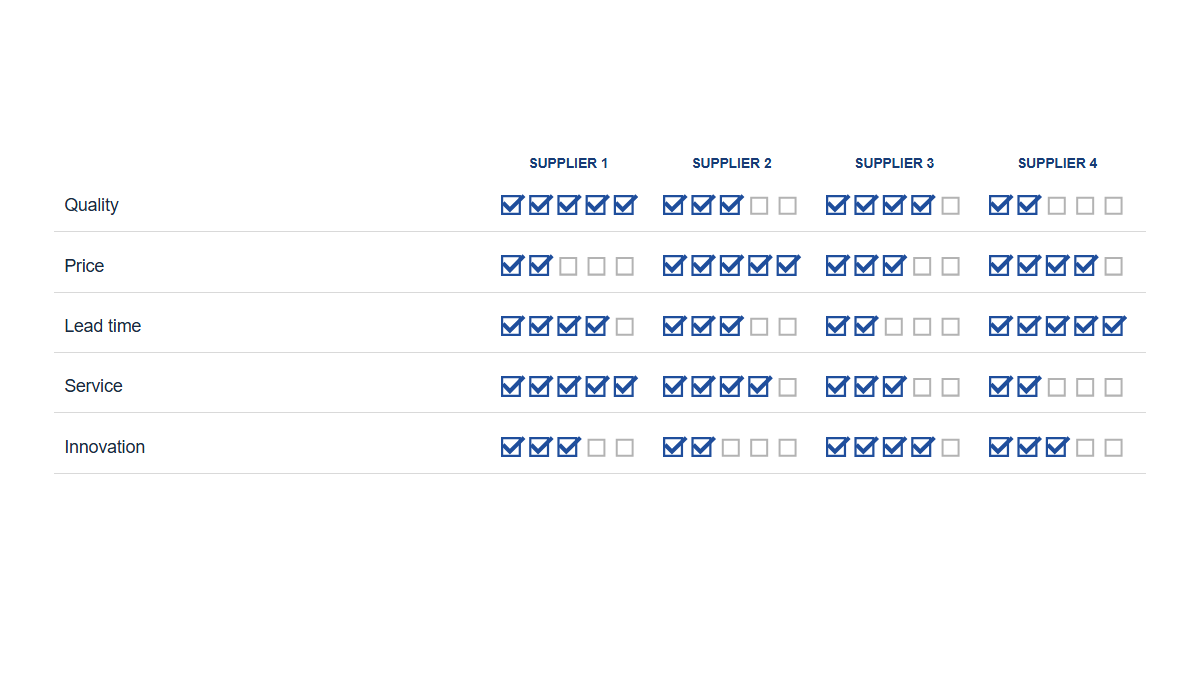
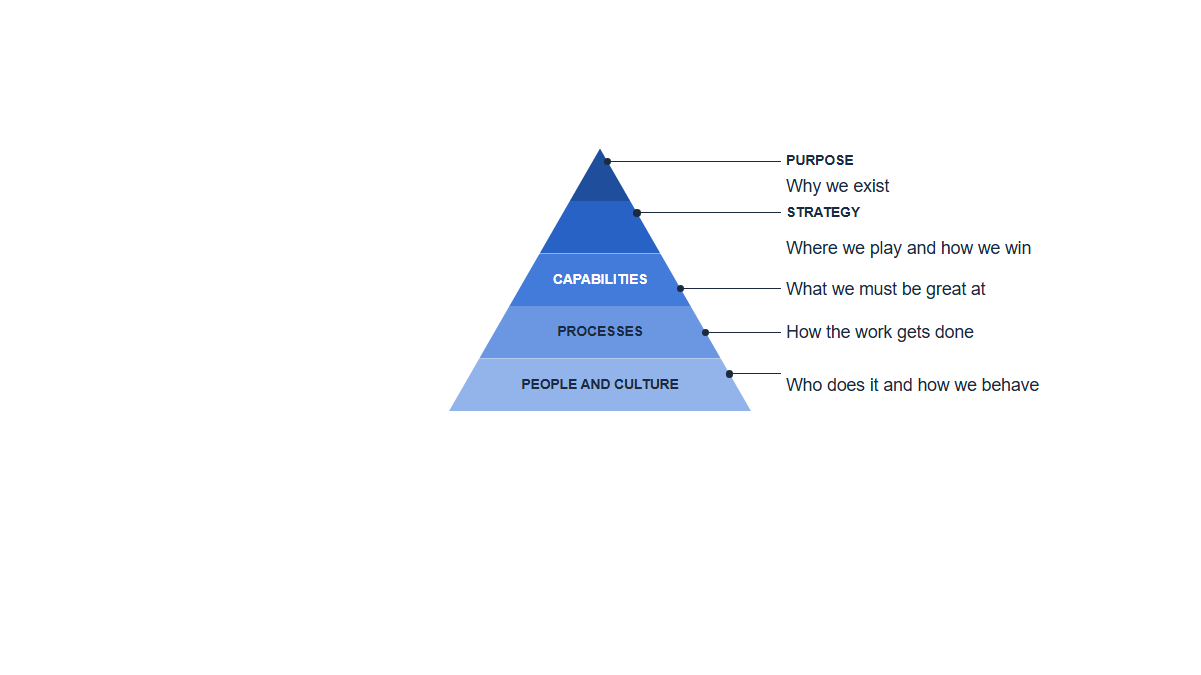
Agendas, KPIs, bridges, Harvey balls, Gantts, org charts, maps, funnels, scorecards. Every one drawn from a table, every one in your theme.
What you get
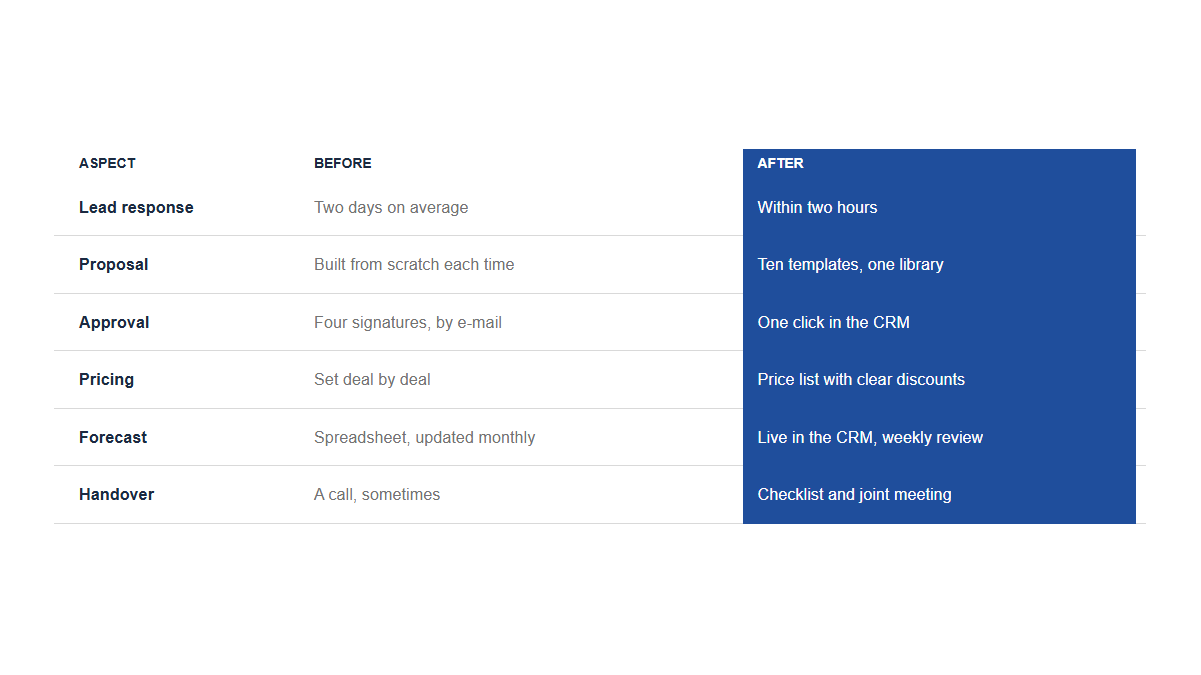
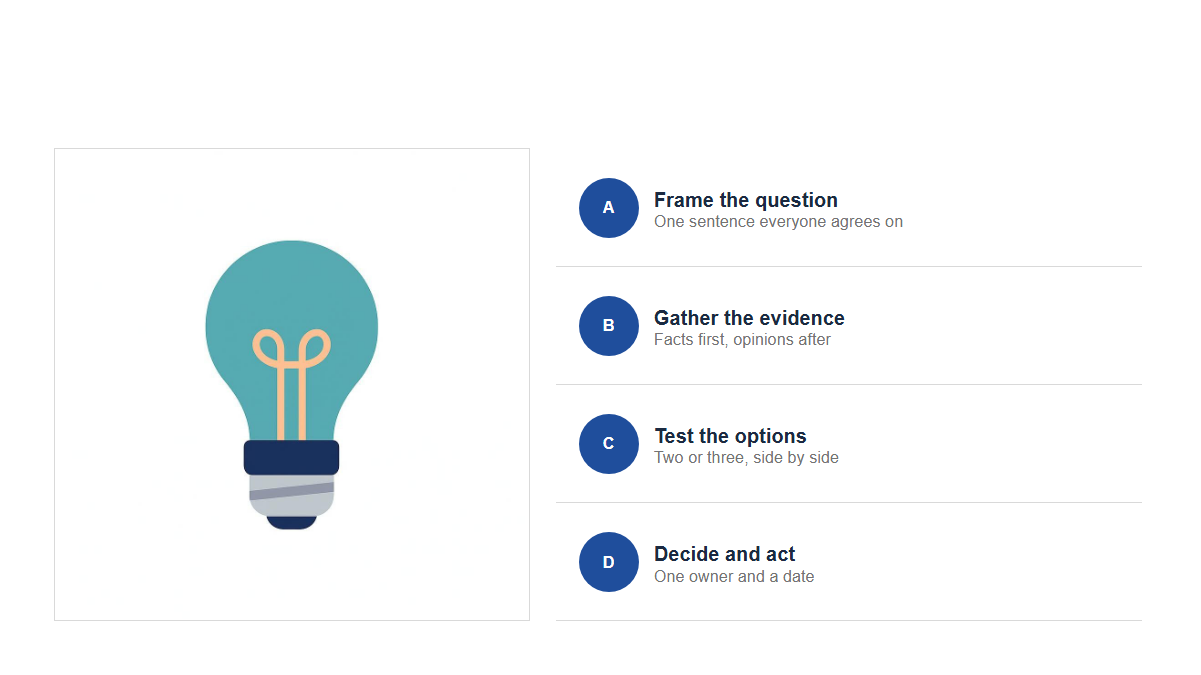
Agendas, KPIs, bridges, Harvey balls, Gantts, org charts: you edit rows and numbers, the slide redraws. Add a line, remove one, change a value. Nothing to nudge.
Each template knows its capacity and its grid. Text that would overflow is reported, not squeezed. Fewer rows beat a smaller font, every time.
Templates use theme roles, never fixed colours. Drop them into a client master and the accent, the fonts and the greys become theirs.
Describe the slide in a sentence. Dekvia fills the template you picked with an action title, the right number of rows and sensible example figures. You keep the structure; the AI keeps the typing.
Company templates, a curator who governs them, user profiles that decide who can change what. Everyone ships the same look.
No pictures, no embedded objects. What Dekvia draws is ordinary shapes and text your colleagues can open and edit without the add-in.
The problems it removes
Evening one
The client added a fifth workstream and the whole process slide has to be redone by hand. With Dekvia it is one more row.
Evening two
The deck was built in your firm's blue and the client wants their green. Theme roles make it a paste, not a project.
Evening three
You know what the slide should say but not how it should look. Pick the template, describe it, edit what comes back.
For consulting firms
Dekvia can hold a private library next to the system templates: the exhibits your firm actually uses, built once by a curator and published to everyone. Templates, images, icons, colour roles and fonts live in one place, so the house style is applied by the tool and not by a review the night before.
Tester programme
We are looking for a small number of consulting firms to shape the product with us. Testers get Dekvia for the whole team free for twelve months, their first custom templates built by us, and direct support. In return: honest feedback, every month.
Apply as a tester firmWho it is for
Steering committees, due diligence, workshops. The templates follow the conventions of the big firms: action titles, one message per slide, a source line, one accent.
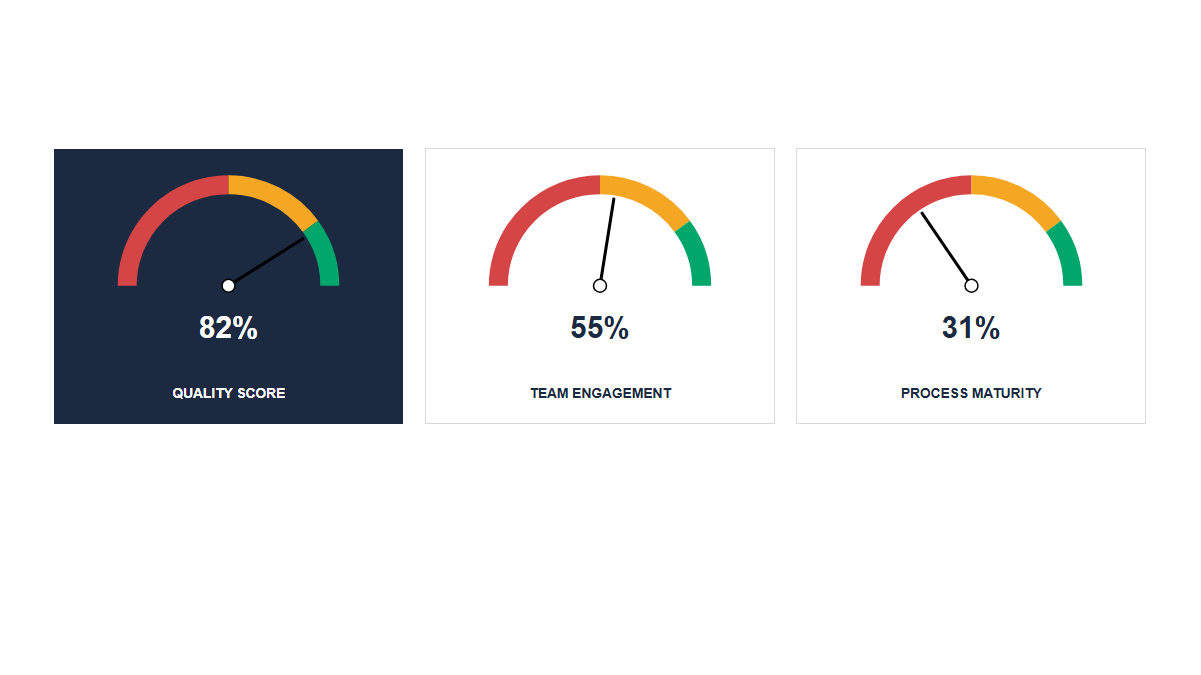
Monthly reviews, business cases, board packs. Paste the numbers, pick the chart, done. Next month you change the table.
A shared library, a curator, the house style enforced by the tool instead of by review. Install for everyone through Microsoft 365.
Early access
We are onboarding a limited number of consultants and teams before the public launch on Microsoft AppSource.
Request early access